Desk Organization for a Clear Mind
You’re busy. Your days are full. You want a calm home and a clear head.
Simple routines can make that possible. A few gentle systems bring fast wins. One tray for small items. One place for notes. One path for cables.
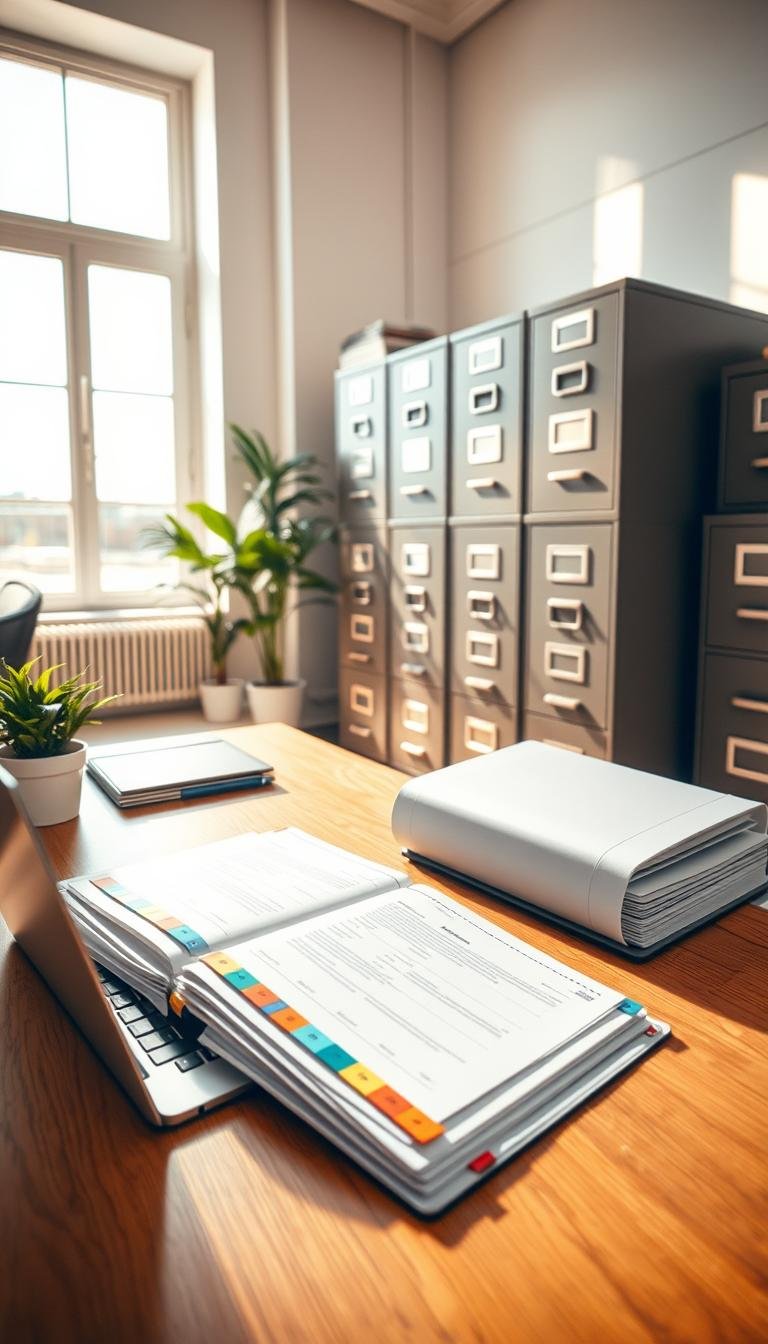
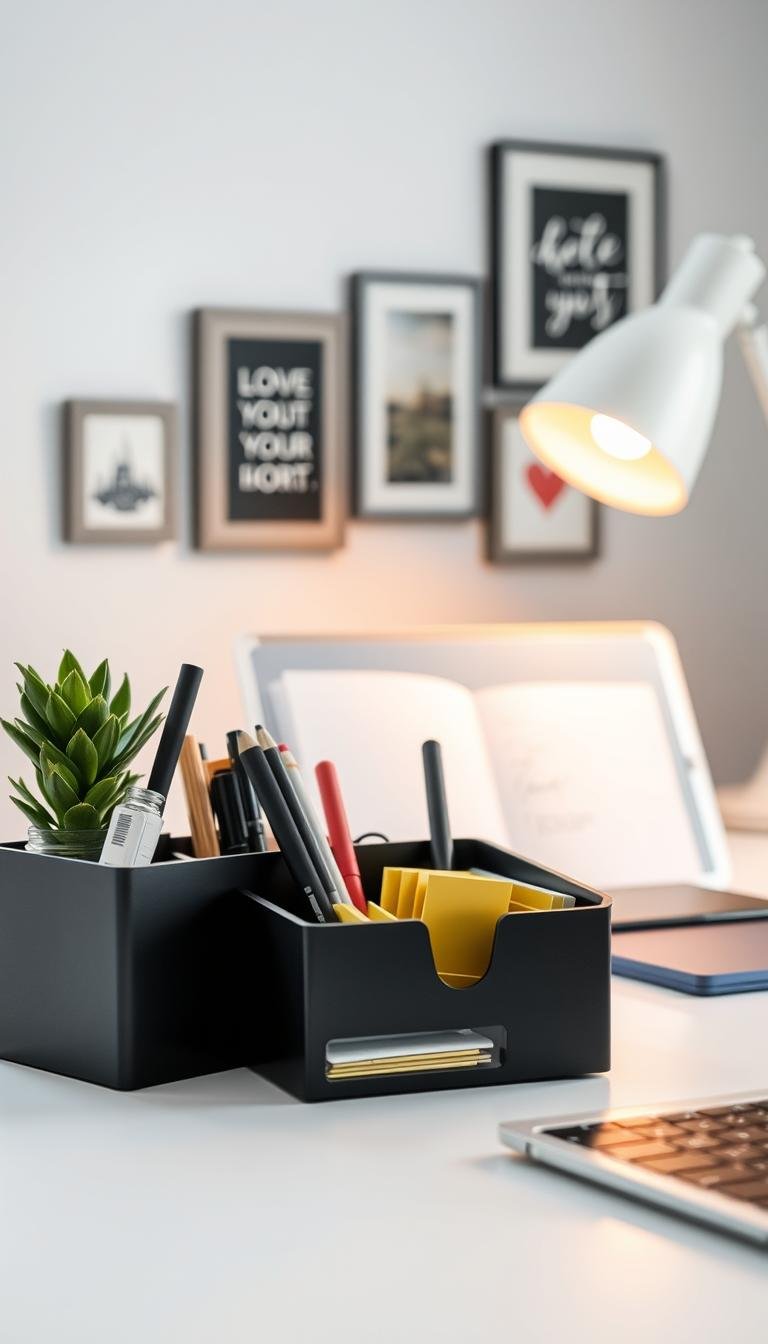
Good desk organization helps you focus and manage time. A shelf or monitor stand lifts screens to a healthier height. A desk mat with hidden notes and a magnetic cable holder keeps cords tidy. Felt-lined trays and minimal wall helpers free surface space without fuss.
We gathered practical products and soft finishes that work in apartments and busy home offices. The picks are easy to install. They fit different styles. They give you breathing room.
Key Takeaways
- Small changes give quick wins. Try a two-minute reset.
- Focus on one place for essentials. Less visual clutter.
- Choose ergonomic items for comfort. Monitor height matters.
- Use trays, mats, and wall helpers to free surface space.
- Build your setup slowly. Shop by category and pace yourself.
Why Desk Organization Matters for Focus and Comfort
When your space supports you, work becomes less heavy.
A clear surface lowers visual load. Your eyes rest. Your mind follows. This simple change helps you focus faster and for longer.
Screen height matters for more than clarity. Raising a laptop or monitor to eye level eases neck and back strain. A stand or monitor arm puts the screen at a posture-friendly height. Your shoulders relax. Work feels lighter.
Small storage solutions cut wasted time. A mat with hidden storage keeps notes within reach. A magnetic cable holder stops snags. Under-desk organizers with built-in power move cords off the floor and make routing simple.
In a home office, comfort adds up. One tray for small items. One drawer for daily tools. One calm mat for loose paper. These gentle systems protect your focus without heavy effort.
- Less visual clutter. Less mental load.
- Proper screen height reduces strain on your back and neck.
- Simple storage gives every object a home.
Pick small, easy changes that fit your workspace. No big installs. One change at a time is enough. A one-minute tidy at lunch keeps it steady.
Quick Wins: Simple Systems to Clear Desk Clutter Today
Small, repeatable steps clear clutter and calm your mind.
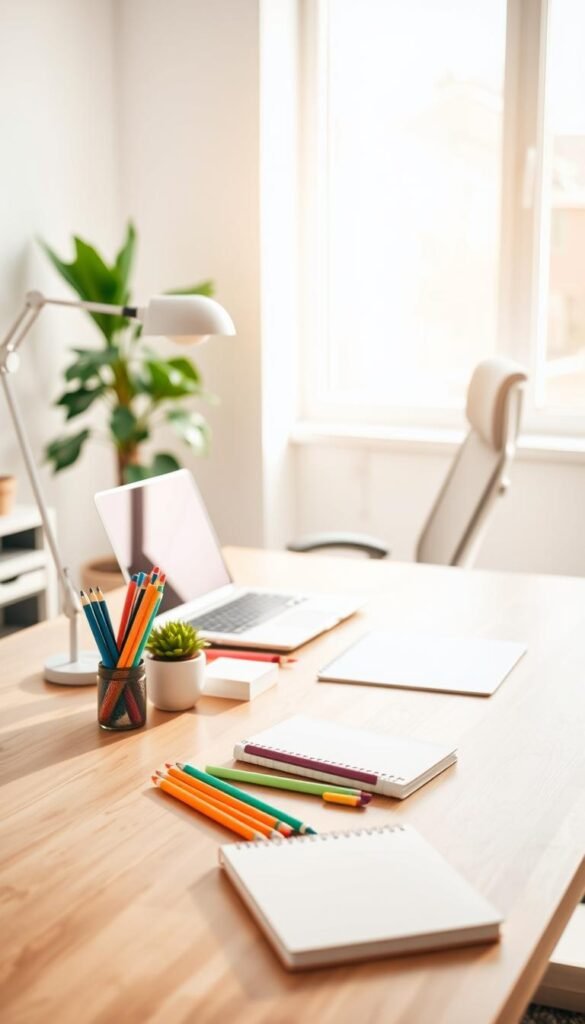
Two-minute desktop reset. Set a timer. Gather loose things and drop them into one tray. Stack papers on the left. Wipe your pad or mat with a soft cloth. Done.
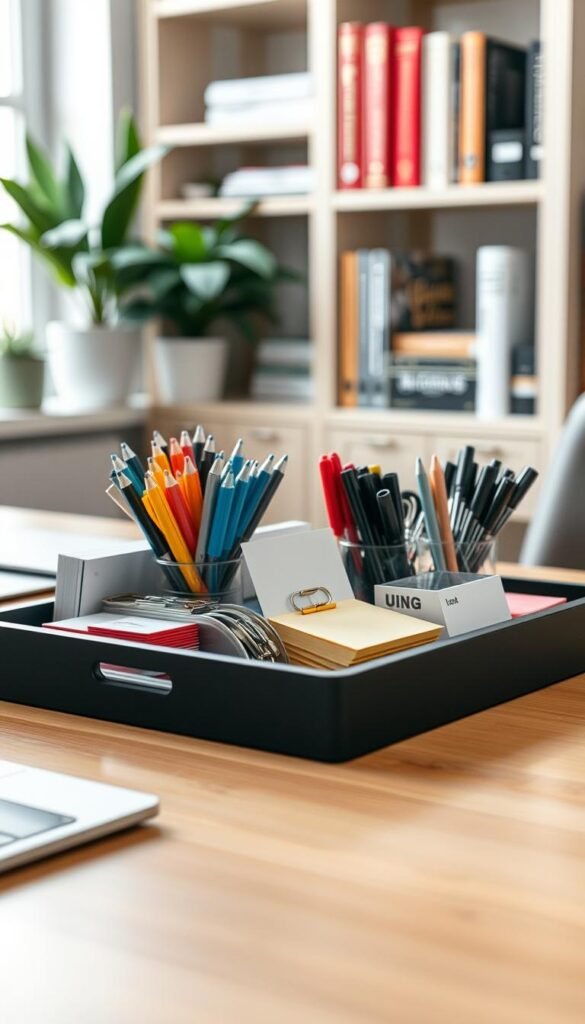
The one-tray rule for small items. Keep a single tray for earbuds, clips, and a pen. If it won’t fit, the extra thing finds another home. Trays are helpers. They are not hiding spots.
Short checklist you can do now
- Put micro-items in the felt-lined tray or a small dish.
- Place pens and tools in a simple desk organizer with 3–4 compartments.
- Protect desk space with a slim mat or pad for notes and laptop landing.
- Keep a tiny outbox for papers that need action.
- End each session with a 30-second sweep: pen in holder, cable on magnet, laptop centered.
These steps are gentle. They take little time. They add up. You get a clearer desktop and more calm for your day.
Top Picks by Category: Desk Organization Essentials
Choose a couple of reliable pieces and watch small chaos fade.
Clear categories make shopping simpler. Below are gentle picks that solve real daily frictions. Start small. Add only what sticks.
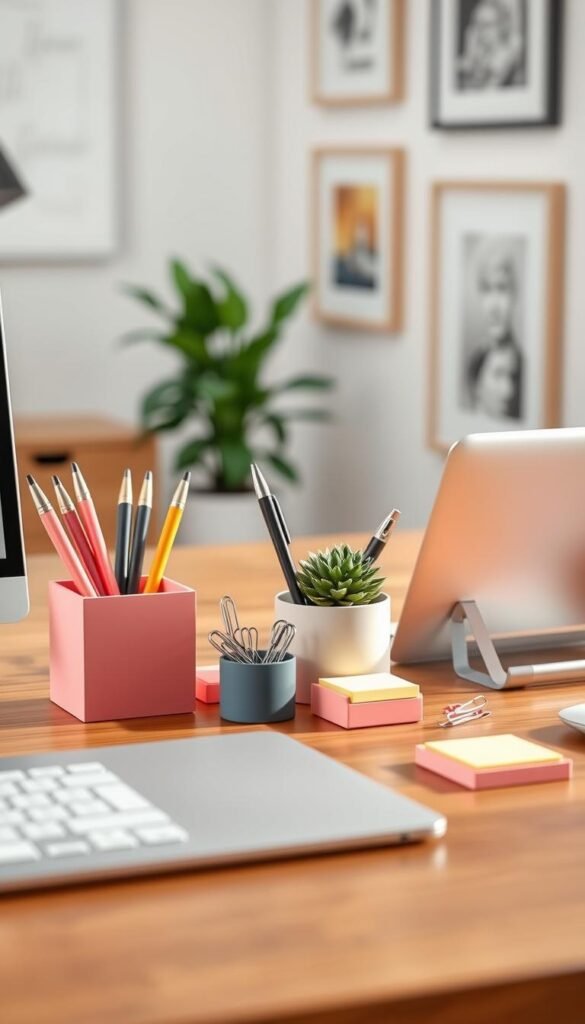
Best for small items: trays, caddies, and a perch
Pick a low-profile tray or a caddy with sections. A felt-lined tray protects surfaces and keeps things quiet.
Try a Desk Perch for phones and a felt tray for clips and earbuds. This one-two combo keeps micro-items in reach.
Best for screens: monitor stands, risers, and arms
A monitor stand or riser shelf lifts your screen to eye level. A monitor arm frees surface space and adds flexible positioning.
Check weight limits and measure depth under the desk before you buy.
Best for cables: trays, magnets, and snakes
Use an under-desk cable organizer with optional power to hide strips. Add a cable snake down the leg for tidy routing.
Keep a pack of cord magnets for the few you touch each day.
Best for notes: desk mats, wall calendars, and cork boards
A desk mat with hidden storage holds quick notes and a magnetic cable holder. Mount a wall calendar at eye level for deadlines.
Choose a cork board for ideas and photos. Sizes range so you can match the wall and the room.
- Materials: wood and steel feels solid. Simple finishes are easy to live with.
- Fit check: Measure shelf depth and confirm monitor weight for arms.
- Mix wisely: Start with two essentials that fix your biggest pain. Then shop by category if you need more products.
Monitor Stands and Risers to Elevate Your Screen
Raising your screen is one of the simplest changes that makes long work sessions kinder to your body.
Choose tools that match how you work. A monitor stand gives a fixed, tidy lift for one screen. It’s quick to add. It feels stable. A shelf-style riser lifts your screen and creates storage underneath. Tuck a keyboard or a notebook below and clear surface space.
Monitor arms come as single or dual options. Pick a single arm for one display. Go dual if you use two screens every day and want precise alignment and easy sharing.
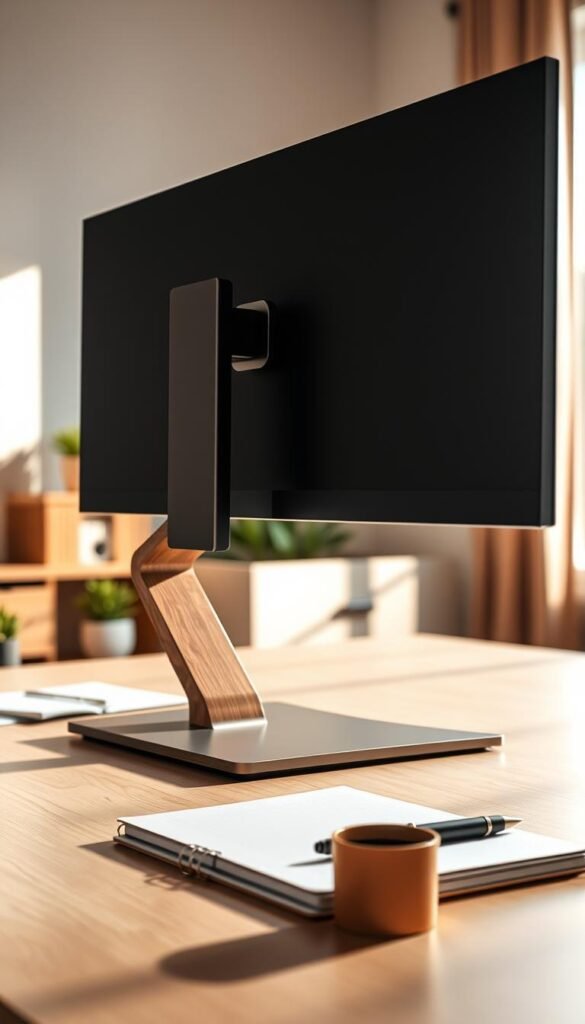
Ergonomic height and posture basics
Aim for eye level. The top third of the screen should sit near your eye line. Your back will thank you.
Keep elbows near 90 degrees. Shoulders soft. Wrists straight. Small posture changes add up over a day.
When to pick each tool
- Use a monitor stand for a simple lift for one screen. Clean and stable.
- Choose a riser shelf if you want storage under the screen or sit-stand flexibility.
- Pick a single arm for one display. Upgrade to dual arms for frequent multi-screen work.
- If you work from a laptop pair an adjustable laptop stand with an external keyboard and mouse for better posture.
Check shelf dimensions and weight ratings before you buy. Start with one solid stand. One small change can transform your setup and ease strain on your neck and back.
Desk Mats and Pads with Hidden Storage
A smart mat does more than protect; it sets a gentle boundary for work.
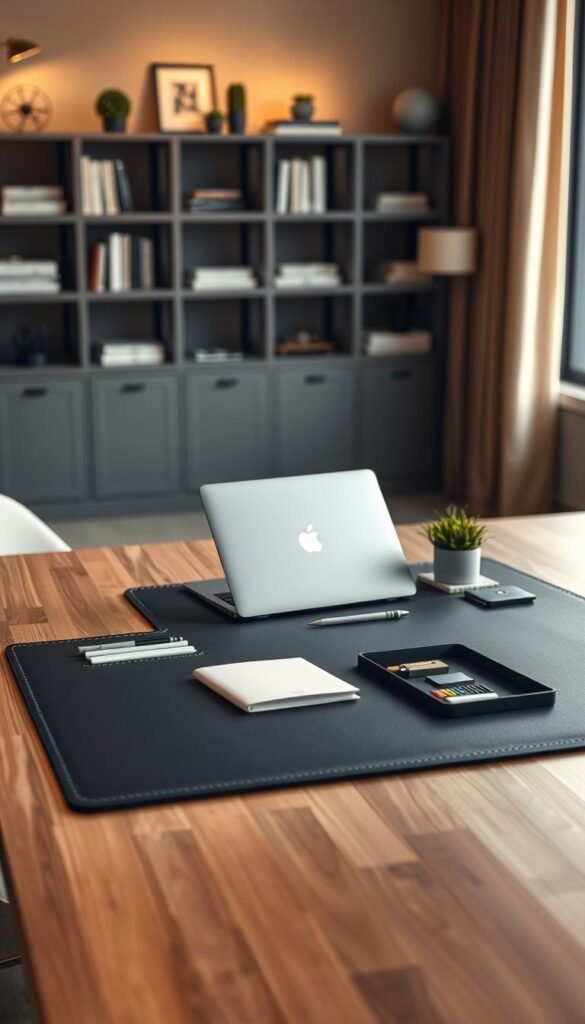
Choose a desk mat that keeps things close but out of sight. Many mats include a slim compartment for notes and loose paper. That hidden storage keeps ideas handy without adding visual clutter.
Look for a pad with a magnetic holder. The small magnet parks your charging cord and phone while you work. It saves you from fishing at the edge of the surface.
A hybrid laptop sleeve doubles as a travel pad. Open it and you have a clean surface anywhere. Many are made from vegan leather and recycled fabric. They protect your laptop and give you quick portable storage.
Keep the mat simple. One laptop centered. One pen. Maybe a tiny tray. Pair with neutral accessories for a calm look. Shop slim sizes for tight spaces and larger pads when you use a wide keyboard and mouse.
| Size | Feature | Best For |
|---|---|---|
| Slim | Compact storage pocket | Small desks and laptop use |
| Large | Full surface protection + storage | Wide keyboards and mouse |
| Hybrid Sleeve | Travel pad + laptop protection | Commuters and flexible work spots |
Tray and Drawer Organizers for Everyday Essentials
Give each drawer a gentle job and your morning will feel easier.
A few simple rules keep small things calm. Assign one purpose per drawer. Use a top drawer for pens and daily tools. Put tech and chargers in the second. Store backups on a shelf or in the bottom drawer.
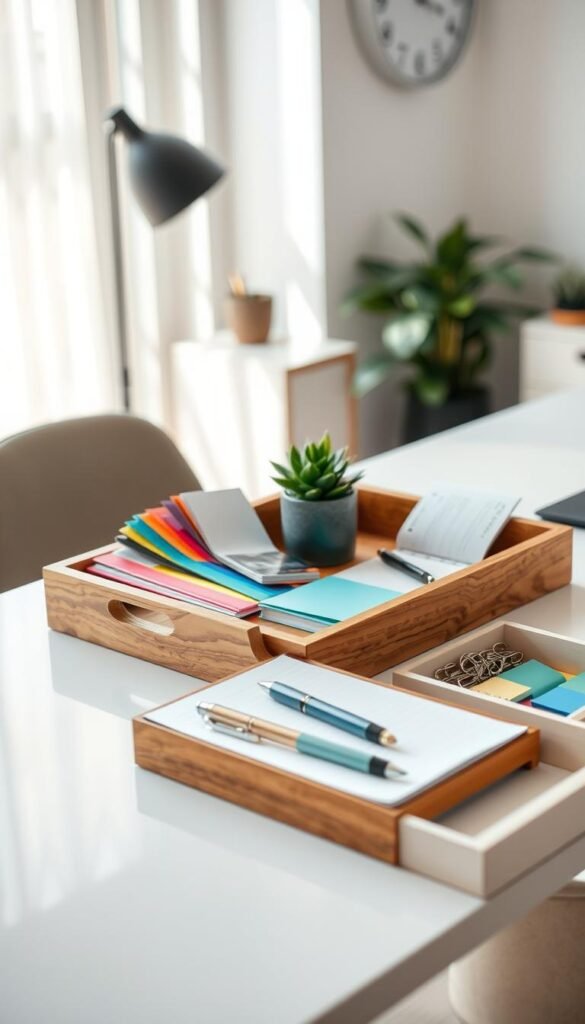
Felt-lined desk drawers for a calm interior
Line drawers in matched felt to soften sound and keep small items from sliding. Color-matched liners fit typical sizes and make the interior feel finished.
If a drawer starts to clutter, remove half. Return only what you used in the past two weeks. This prevents a junk drawer from forming.
Valet trays and desktop organizers for quick access
Place one valet tray on your surface for keys, earbuds, and a watch. Empty it nightly to reset.
Choose a compact organizer in wood and steel with three compartments. Limit it to pens, clips, and sticky notes. Keep backups on a shelf behind you.
- Match trays across the surface. Mix sizes, not colors.
- Use felt liners for quiet openings and neat storage.
- Store backups in the back or on a shelf. Keep weekly items within reach.
Cable Management for a Clean, Safe Workspace
Tidy cables make your workspace feel calmer and safer.
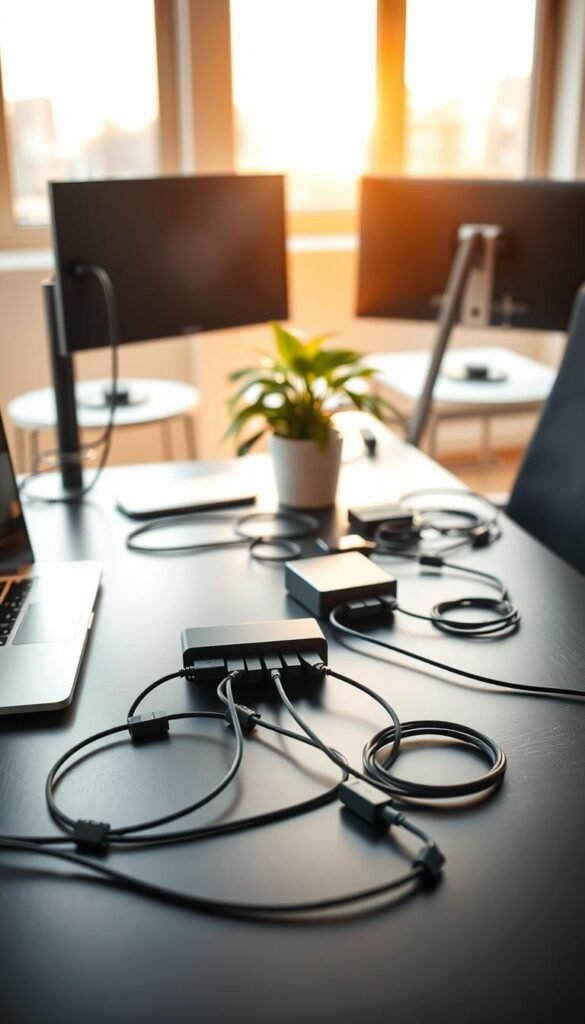
Start with power. Mount an under-desk cable organizer with power so plugs sit off the floor. This keeps dust away and limits trip hazards.
Route thick cables first along the rear edge. Add a cable snake down the leg to guide them straight to the floor.
Magnetic clips and quick grabs
Park daily-use cords on a magnetic clip near your dominant hand. A gentle snap keeps a phone or charger ready. Loop extra length and tuck it in the tray to keep the desktop calm.
Simple routing tips for a wall-facing desk
Leave a soft U-shaped slack behind the desk so cables aren’t strained when you slide it. Label each cord near the plug. One glance saves time later.
- Keep one backup charger in a drawer. The rest go in under-desk storage.
- Do a monthly check. Tighten mounts and remove unused cable clutter.
Wall Organization to Free Up Desk Space
Use the wall as your quiet partner to free surface space and calm your view. A few simple pieces on the wall keep essentials close without crowding your workspace.
Floating wall calendars move deadlines where you see them. Pick a size that fits the room: small 15″×18″, medium 18.5″×23″, or large 23″×31″. Choose floating mounts in silver, gold, or black. Hang the calendar at eye level so you can scan dates from your chair.
Floating wall calendars for deadlines
Use a medium calendar for weekly planning. A large format works well for a family schedule at home. Keep it minimal. One color for headings. Soft pins only.
Cork boards and acrylic organizers for notes
Cork boards come in 8″×23″ up to 24″×36″. They hold quick notes and inspiration without adding visual noise. Add a slim vertical acrylic organizer or a stand-up padfolio for mail and action papers. One slot per category keeps piles off the surface.
- Keep decor quiet. Two colors. Soft pins. Let content lead, not clutter.
- Limit notes to what you need this week. Archive the rest.
- A mini board near your monitor can hold one priority and one reminder.
- Choose hardware that matches other desk accessories for a calm, consistent look.
- Shop sizes that fit your wall so you keep breathing room around each piece.
Desk Organization
Build a calm setup one gentle choice at a time.
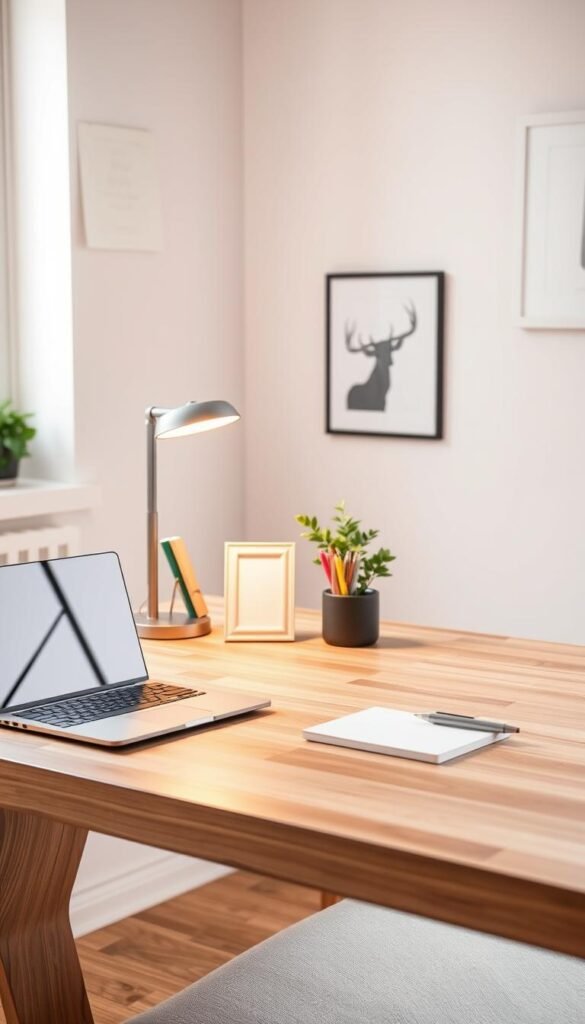
Start small: lay a soft pad to give your workspace a quiet center. Center your keyboard and mouse. Add a cable holder if you use one.
Build your setup: from mat to monitor
Next, lift your screen with a riser shelf or a monitor arm. Check the sight line. Adjust until your eyes feel relaxed.
Add a single tray for daily tools. Keep it light. A tray in warm wood tones pairs well with neutral surfaces.
Match materials and finishes for visual calm
Choose a few materials and repeat them. Wood-and-steel organizers feel steady. Match the shelf, tray, and wall hardware. This creates a soothing design that lets your eye rest.
Keep edges clear. Mount a small wall board within easy glance. Shop slowly. Build one layer at a time and let each piece earn its place.
| Step | Item | Why it helps |
|---|---|---|
| 1 | Mat / Pad | Defines work zone; hides quick notes |
| 2 | Monitor riser / shelf | Elevates screen; frees workspace beneath |
| 3 | Tray + holder | Holds daily tools; keeps surface light |
Laptop Stands and Monitor Arms for Ergonomics
Small hardware choices can make long hours at the screen kinder to your body.
Adjustable vs. fixed laptop stands
Fixed stands are simple and sturdy. They lift your device to a clearer view and stay put.
Adjustable stands change height and angle. They collapse for travel. They let you tune posture on the fly. If you share a space, adjustable gear makes switching users easier and keeps organization consistent.
Laptop mounts paired with monitor arms
A laptop mount that attaches to a monitor arm gives three points of adjustment. It floats the device and clears the surface. Single or double arms fit most monitors and most work setups. Pair this with an external keyboard and mouse for the best wrist and shoulder comfort.
Quick practical tips
- Set the top of the screen near eye level to help your back and neck stay relaxed.
- Keep a small cable holder on the arm or desk edge for your phone charger. No dangling cords.
- Make tiny adjustments over a week. Raise a centimeter, test, and listen to your body.
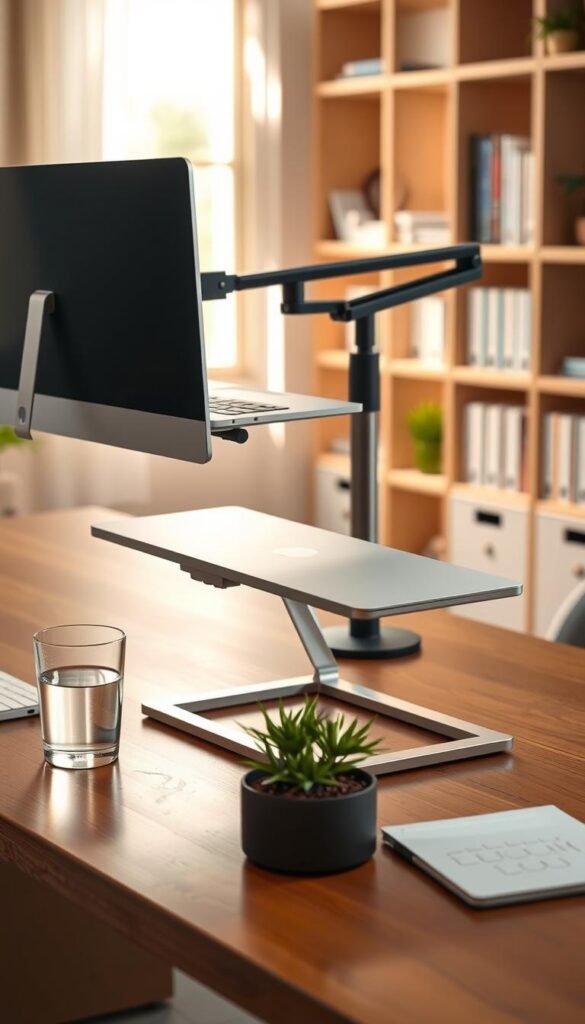
These changes are simple. They protect your posture. They make long work sessions feel lighter. Try one small change this week and notice the difference.
Room-by-Room Examples: Quick Systems that Stick
Make each zone useful with just three thoughtful items. Choose small, reliable pieces. Keep the setup gentle. Let habit do the rest.
Kitchen command corner
Mount a medium wall calendar for family dates. Add a slim cork board for recipes and notes. Place one valet tray for pens and mail. Wipe it weekly. It keeps mornings calm.
Pantry corner
Use a slim mat to define the spot. Add a small tray for keys and a pen. Stick two cord magnets to hold one USB-C and one phone cable. It stays tidy without fuss.
Bathroom vanity
A mini caddy and acrylic blocks hold makeup or study tools. Wipe surfaces with a soft cloth each night. Keep decor minimal so the counter feels calm.
Bedroom setup
Lift the monitor with a riser shelf. Keep one drawer for quiet storage. Add warm light to soften the evening screen glow. These small moves protect sleep and focus.
Closet office
Install a riser shelf to store a keyboard underneath. Mount an under-desk cable organizer with power to clear floor clutter. It frees the small space for work and rest.
Entryway
Hang a wall organizer for incoming mail. Keep one tray for keys and phone. You’ll leave the house smoother.
“A few items, well placed, do more than many. They make daily life quieter.”
| Room | Three Pieces | Why it helps |
|---|---|---|
| Kitchen | Wall calendar, cork board, valet tray | Centralizes family info. Clears counter clutter. |
| Pantry corner | Slim mat, small tray, cord magnets | Defines space. Keeps chargers ready. |
| Closet office | Riser shelf, cable organizer with power, laptop stand | Makes room for storage. Hides cords. Frees desk space. |
| Entryway | Wall organizer, tray, mini caddy | Saves time each morning. Catches essentials. |
Quick rule: keep each room to three pieces max. A board, a tray, and one helper. Simple sticks. You get a calm home and usable desk areas.
Daily, Weekly, Monthly Routines for a Clear Workspace
A few small rituals each day keep your workspace calm and ready.
Short, steady habits protect focus without pressure. Use simple steps that fit your schedule. Do them gently. No perfection required.
Daily: three-minute end-of-day reset
Set a 3-minute timer. Clear the desk. Put one pen in its holder. Center the laptop. Empty one tray and return items to their homes.
Weekly: ten-minute refresh
Wipe the mat and tray with a soft cloth. Re-home stray things into the right organizer. Check the wall calendar and refresh notes for the week.
Monthly: twenty-minute edit
Pick one drawer to edit. Remove papers and archive keepers. Tighten and re-route cable snakes and under-desk storage. Return only what you use.
- Add a recurring calendar reminder. A gentle nudge helps build habit.
- Keep a small donate bag near the office. Drop unused items in and move on.
- Celebrate small wins. A tidy corner or a quiet drawer matters.
| Interval | Time | Key Actions |
|---|---|---|
| Daily | 3 minutes | Clear surface; pen in holder; tray emptied |
| Weekly | 10 minutes | Wipe surfaces; re-home stray items; refresh notes |
| Monthly | 20 minutes | Edit a drawer; archive papers; re-route cables |
How to Choose Desk Accessories that Work Together
Choose accessories that feel like a quiet team, not a pile of mismatched tools.
Start by thinking of harmony. Match scale, repeat a finish, and give each item a job. Small, steady choices keep your space calm and your work easier.
Scale, color, and material harmony
Match scale to your space. Slim desk accessories suit narrow tops. Larger organizers work on deep surfaces.
Keep colors quiet. Two tones at most. Repeat one material like white ash or steel. This simple design trick lets your eye rest.
Think of the office as a set. One tray for daily items. One shelf for backups. This clear role for each piece prevents visual clutter.
Modularity and future add-ons
Choose modular products that grow with you. Look for cable trays with optional power. Pick monitor arms that accept a laptop mount later.
Check dimensions before you shop. Measure desk depth, wall width, and clearance under shelves. Favor lasting materials and simple lines.
“Buy slowly. Add only what solves a real friction in your day.”
- Match scale to space and the size of your desk.
- Keep colors to two tones. Repeat finishes for calm design.
- Pick organizers with clear roles. One for daily items. One for weekly backups.
- Shop slowly. Test with one piece. If it lightens your space, add more.
Set Up Your Home Office: Gentle Steps to a Calm Desk
Begin with one small, kind move that clears the surface and your mind.
Take this plan slowly. One step a day. No rush. You will build a calm home office that fits real life.
- Clear the desk: Remove loose things. One minute. Breathe.
- Add a tray: Keep keys, earbuds, one pen. A single tray saves time.
- Lift your screen: Use a riser shelf or a stand. Check posture. Adjust until shoulders feel soft.
- Pick one desk organizer: Small items belong in one spot. Keep categories simple.
- Set up storage: One drawer for daily tools. Felt liners soften noise and hold items in place.
- Hide cords: Install an under-desk cable organizer with power to cut floor clutter.
- Use a wall helper: A small calendar or cork strip frees surface space and keeps dates visible.
- Place your laptop on a stand: Pair it with an external keyboard if you type long hours.
Only shop if a gap remains. Let the office grow with you. Honor your pace and needs.
| Step | What to add | Why it helps |
|---|---|---|
| 1 | Tray or tray set | Contains small things; reduces visual clutter |
| 2 | Riser shelf / stand | Creates under-monitor room; improves posture |
| 3 | Felt-lined drawer | Softens sound; keeps items from sliding |
| 4 | Under-desk cable organizer & wall calendar | Clears floor cords; frees surface space |
Conclusion
Begin with one useful piece and watch the rest of the space fall into place.
Your calm starts small. One tray. One pad. One habit each day. These tiny moves make a big difference for desk organization and for how you feel at work.
Choose a single accessory that fixes your current friction. Add a monitor riser or under-desk storage. Mount a wall calendar. Let each piece earn its place before you shop more.
Keep steps soft. Short resets. Small edits. Over time your home and office will feel clearer and kinder. When your desk supports you, your day opens up. More room to think. More space to breathe.
FAQ
How do I start clearing my desk for a calmer mind?
Begin with a two-minute desktop reset. Remove everything. Keep only daily essentials like your laptop, a pen, and a notepad. Sort remaining items into three piles: keep, store, discard. Use a tray or caddy for small items and a drawer organizer for things you use less often. This gentle step reduces visual clutter and helps you feel calmer right away.
What small accessories make the biggest difference?
Choose a felt-lined valet tray for keys and jewelry, a small caddy for pens, and a phone stand to free the mat. Add a mini shelf or monitor riser to lift your screen. Cable magnets and a snake-style cable sleeve keep cords tidy. Simple, soft materials and matching finishes create visual calm without extra effort.
How can I manage cables without drilling or complex installs?
Use adhesive magnetic cord clips and an under-desk cable tray that mounts with screws or strong tape. Route power strips along the back of a riser shelf. For desks against a wall, run cords through a flat cable raceway or behind a wall-mounted organizer. These choices keep cords out of sight and prevent trips and tugs.
Is a monitor stand worth it for my posture?
Yes. A monitor stand or riser elevates your screen to eye level. That reduces neck strain and supports better posture. Choose adjustable arms if you use dual screens or switch between laptop and monitor. A sturdy wood or metal riser also creates storage space underneath for a keyboard or a slim drawer organizer.
What’s the one-tray rule and how does it help?
The one-tray rule means all small loose items live in a single tray or caddy. Mail, clips, and sticky notes go there. It confines visual noise. It also makes daily resets faster. When the tray gets full, sort and recycle. This simple system keeps your surface clean and your mind clearer.
Which products work best for notes and reminders?
Use a desk mat with a built-in note pocket or a wall calendar and cork board hung above your workspace. Acrylic organizers with slots keep cards and sticky notes visible. For keys and small items, add a valet tray nearby. Combine a wall solution with a tiny desktop caddy for immediate access.
How do I choose materials and colors that feel calming?
Pick natural textures like wood and soft felt or matte metal in warm tones. Keep contrast low. Match a desk pad, riser, and trays in complementary colors. Scale and finish matter. Small, consistent choices create a soothing backdrop that helps you focus without distraction.
What’s the best setup for small spaces or shared rooms?
Prioritize vertical solutions. A monitor riser with storage, a slim desk mat, and wall-mounted organizers free surface area. Use hybrid laptop sleeves for on-the-go days. Keep a compact tray and magnetic cord clips. These pieces fit tight corners and make transitions between users easier.
How often should I do a full reset of the workspace?
Do a three-minute end-of-day reset daily. Wipe surfaces and return items to their homes weekly. Once a month, declutter drawers, archive papers, and check cable routing. Small, regular habits prevent overwhelm and keep systems sustainable.
Can I create an ergonomic setup with a laptop and one monitor?
Yes. Use a laptop stand to raise the screen and a separate keyboard and mouse for typing. Add a monitor arm for your main display to adjust height and angle. An adjustable setup supports neutral posture and reduces strain. A simple riser shelf under the monitor creates extra storage too.
How do I keep a workspace tidy when life gets busy?
Lower the bar. Aim for functional calm, not perfection. Keep a single tray, a small caddy for daily tools, and a cable clip or snake. Do a quick tidy at day’s end. Accept small messes and reset once a week. These gentle routines fit real life and protect your peace.